 Horizon
Quickstart
Temporary channels for your server - ready when you are.
1. Invite Horizon to your server
Bring Horizon to your server – just head to invite.horizon-bot.me and you're good to go.
2. Setup Horizon in your server
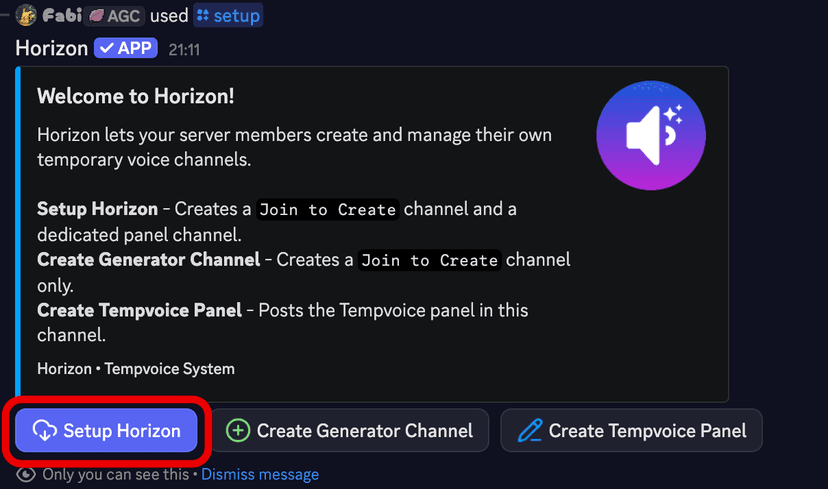
Using the /setup command, you can setup Horizon in your server. Click on Setup Horizon and it will generate you a Join to Create and a Horizon-Panel.
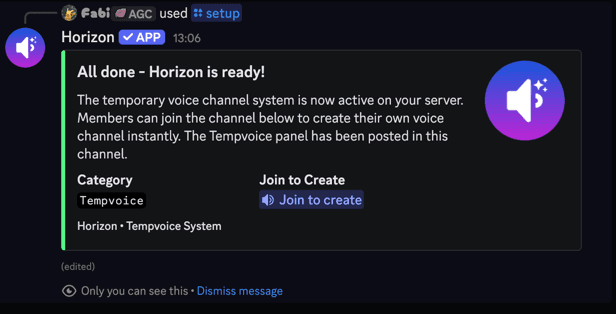
Horizon is now ready to be used in your server. Just join the Join to Create and your own Channel will be created.
Further customization is available in the Dashboard .
3. Do you need help?
This Documentation is a great place to start. If you have any questions, feel free to join our Support Server .
Generator Channel
These specialized voice channels automatically generate a temporary channel when joined. You can set up multiple Generator Channels by repeating the configuration steps; each one can be customized independently to define how its temporary channels behave.
Notice
You can have a maximum of 3 Generator Channels (Not user channels, they can be as much as you want) per server. Deleting a Generator will also delete the record in the database of the Bot.
Tempvoice Panel
The Tempvoice Panel, referred as the Horizon-Panel, is a Discord native interface that allows you to manage your temporary voice channels as a alternative to the Slash Commands.
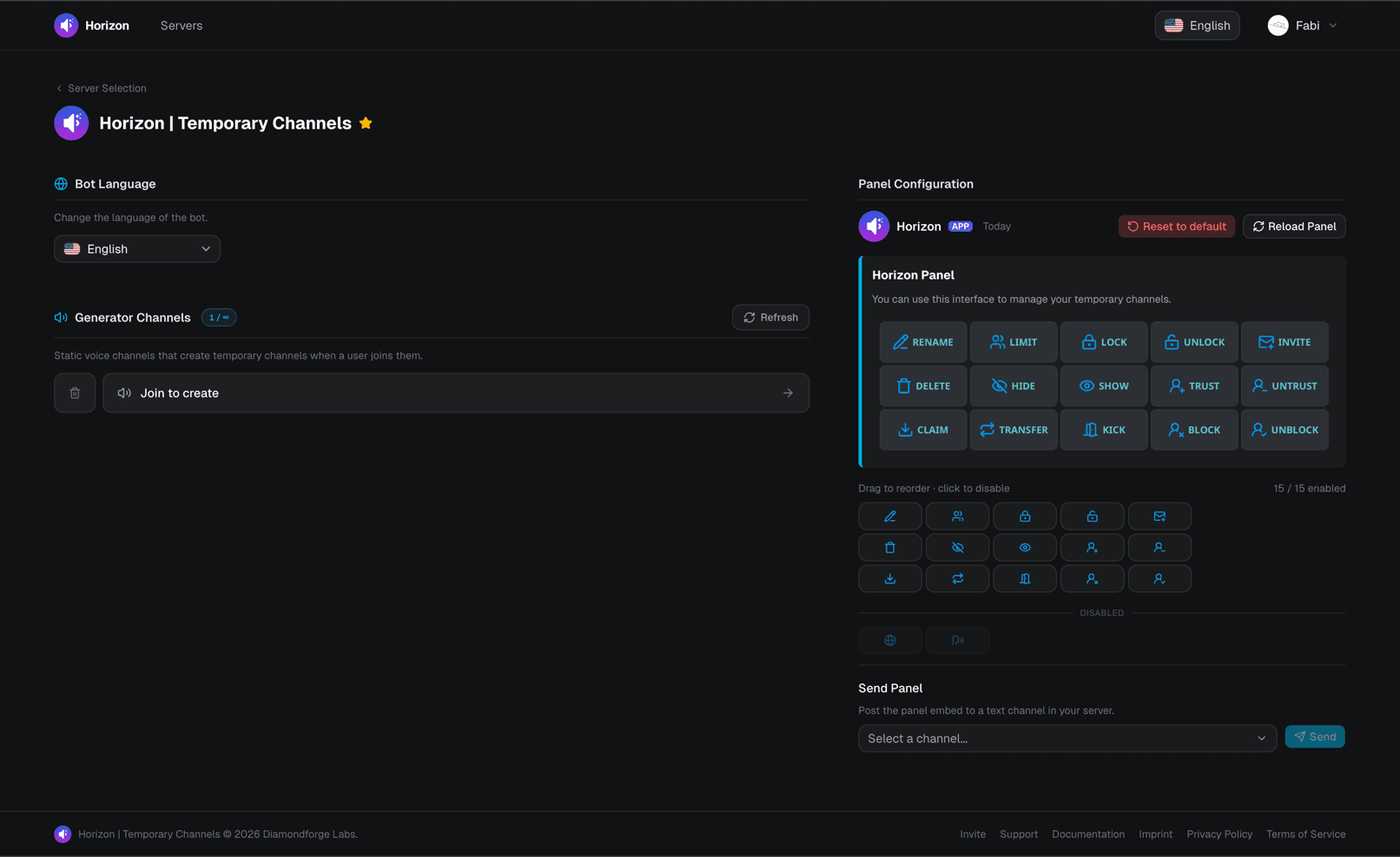
The Dashboard
The Dashboard is a web interface that allows you to manage your server's Generator Channels and Tempvoice Panel.