 Horizon
Saved Channels (Sessions)
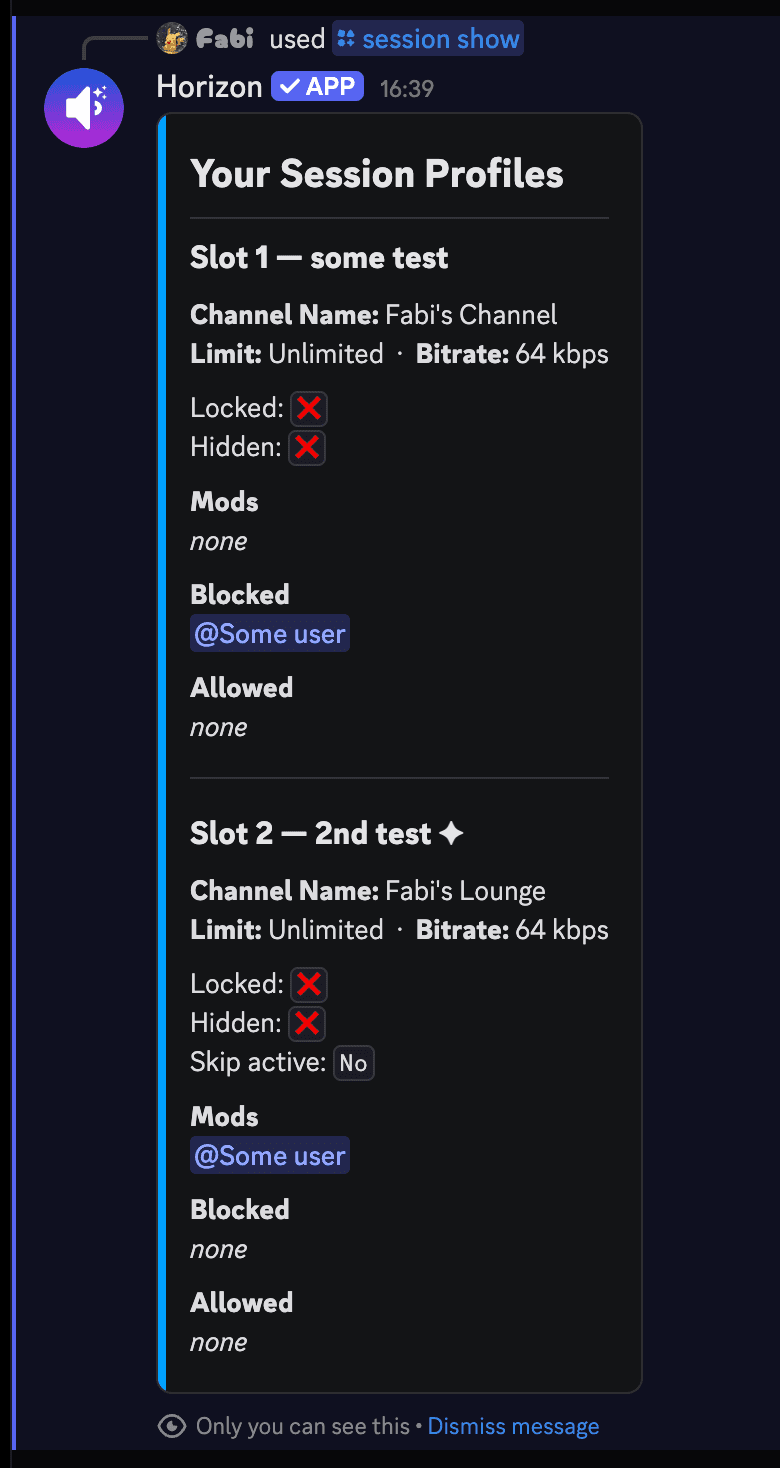
Session profiles let you save your current channel configuration, including name, user limit, lock/hide state, trusted users, blocked users, and moderators, and automatically apply it the next time you create a channel.
You can have up to 3 saved slots, each with an optional label. Your server may allow fewer.
Note
Server admins can disable the session feature. If the commands below don't work, sessions may not be available on your server.
Admins can also choose which parts of a profile are saved and where profiles are loaded. See Saved Profiles.
Save
Save your current channel to a slot.
Activate
Set a slot as your active profile for the next channel.
Skip
Skip your active session once.
Show
View all your saved session slots.
Rename
Change the label of a saved slot.
Delete
Delete a saved session slot.
Autosave
Automatically update your active session when you leave.