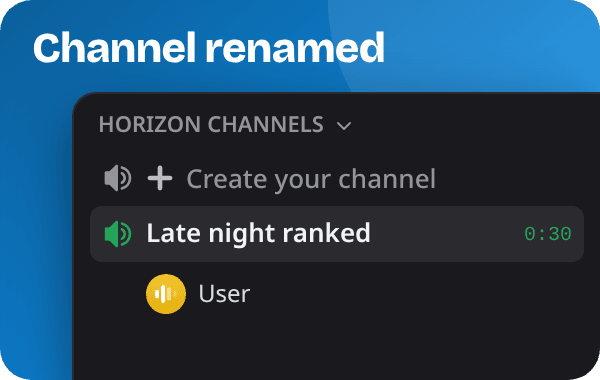
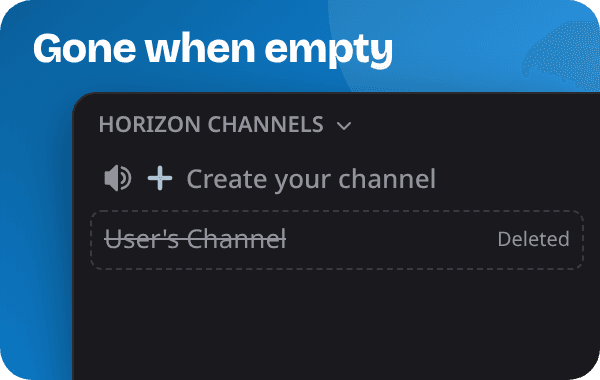
Discord has no setting for temporary voice channels, so a bot does the work. It watches one voice channel, usually called Join to Create, and opens a new channel for every member who joins it. When the last person leaves, the bot deletes that channel again. Your channel list only shows rooms people are actually using.
To add a bot, you need the Manage Server permission on that server.
1. Invite Horizon
Invite HorizonOpen invite.horizon-bot.me, choose your server and confirm. Keep the permissions the invite asks for: Horizon needs them to create channels and move members into them.
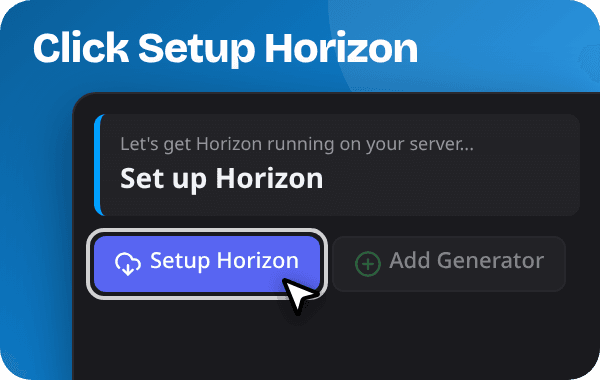
Right after joining, Horizon posts a welcome message on your server. Its Setup Horizon button does the same as the next step.
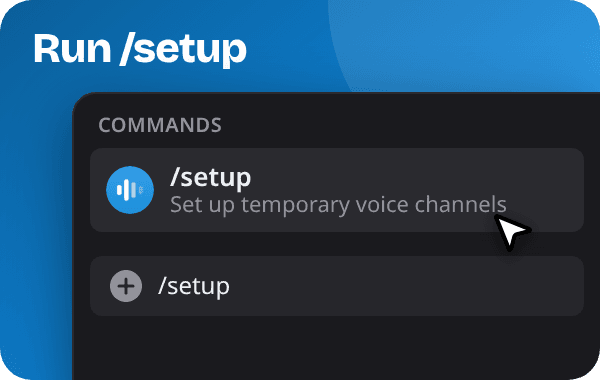
2. Run /setup
Type
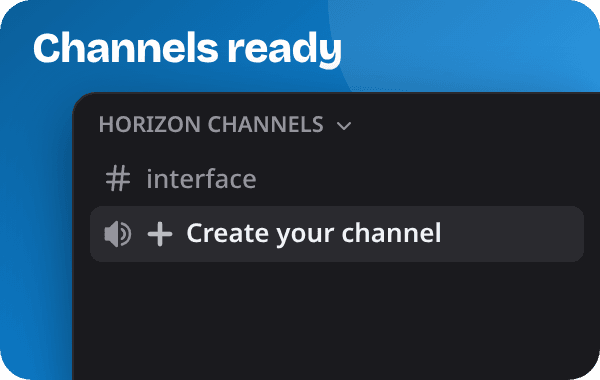
/setupin any text channel and click Setup Horizon. Horizon creates a category called Horizon Channels with two channels in it:- ➕ Create your channel: your Join to Create channel. Horizon calls it a generator channel.
- #interface: holds the Horizon Interface, a message with buttons that channel owners use to manage their channel.
3. Join the channel
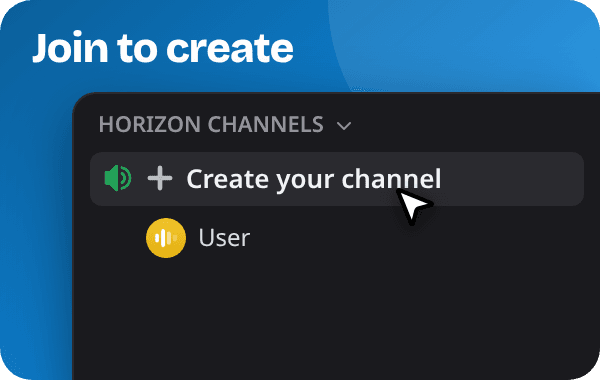
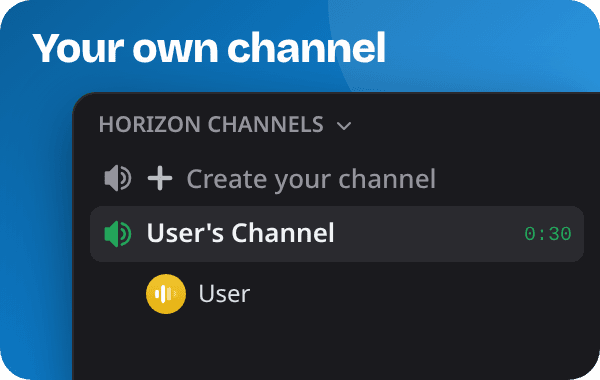
Join ➕ Create your channel. Horizon creates a voice channel for you and moves you into it. The channel belongs to you.
When everyone has left, Horizon deletes it. If someone just lost their connection for a moment, admins can let Horizon wait a bit before the channel goes.
4. Manage your channel
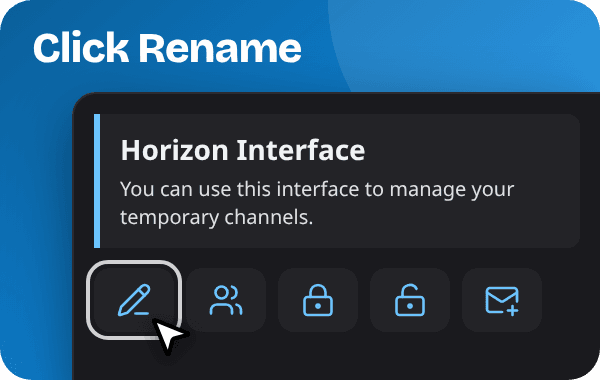
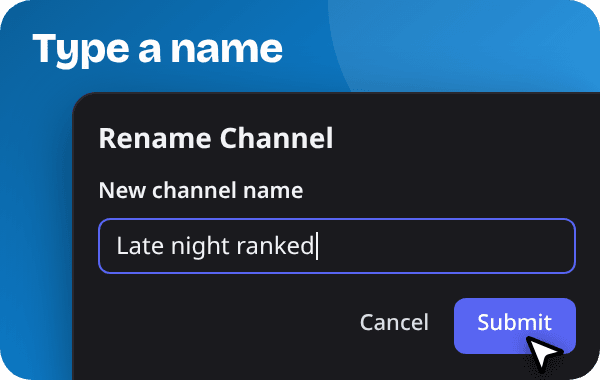
As the owner you can rename the channel, set a user limit, lock it, hide it and choose who may join. Use the buttons of the Horizon Interface in #interface, or slash commands such as
/name,/limit,/lock,/hide,/trustand/kick.If the owner leaves, anyone still in the channel can take it over with
/claim. The docs list every channel command.