
For Channel OwnersHorizon Interface
Horizon Interface
Buttons in Discord to manage your temporary voice channel.
When Horizon creates a temporary channel for you, you own it. The interface's buttons let you rename it, set a limit, lock or hide it and decide who may join, without typing a command.
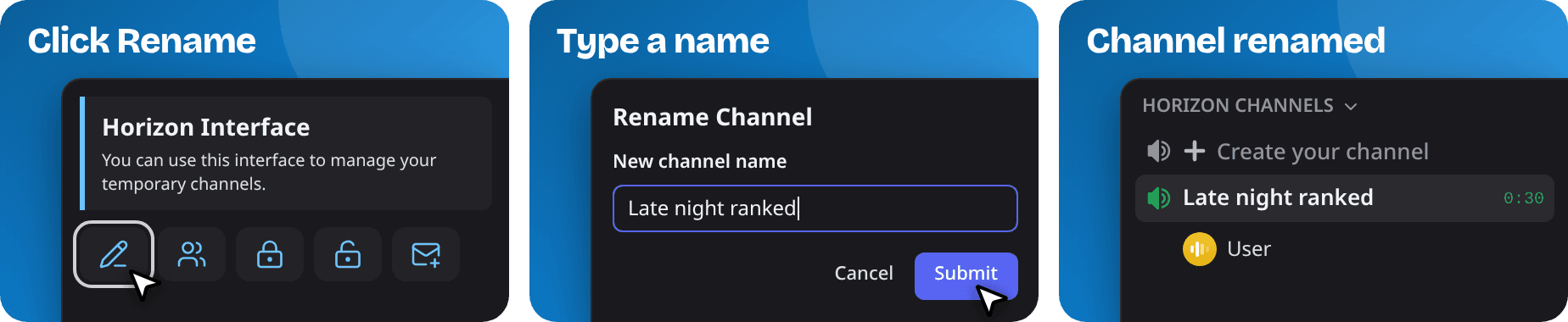
Renaming your channel, for example, takes three steps:
Note
Server admins choose which buttons the interface shows and where it is posted. See Interface Configuration.