 Horizon
CONFIGURE TEMPORARY VOICE CHANNELSToggle Features
Toggle Features
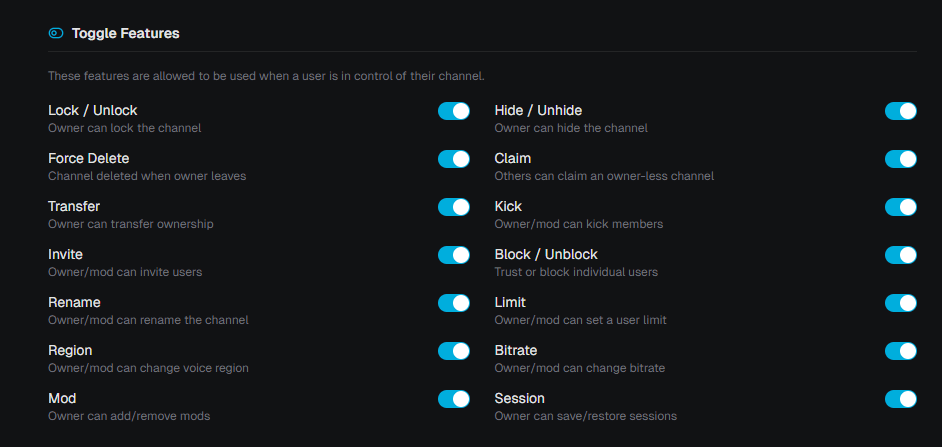
Control which features are available to channel owners in their temporary channel.
As a server admin you can decide which features channel owners are allowed to use. Disabled features are hidden from channel owners and their corresponding commands will not work.
Where to find this?
Open the Dashboard, select your server, pick the correct Creator Channel and navigate to the Feature Tab.
Note
If a feature is disabled, the user's saved configuration for that specific feature will not be applied.
Channel Moderators
The Channel Moderators feature has its own dedicated section in the Access Tab, including permission delegation and protection settings. See Channel Moderators for details.